
VoltKit RTC
Free account requiredLive video, voice, chat and broadcast for your app
₹99/ 1,000 participant-minutesVideo + HD voice. Chat + HD music included.
One API for video and voice rooms, realtime chat and one-to-many live broadcast. Your backend creates rooms and mints short-lived tokens; your web, Flutter or Node code does the rest. There are no media servers for you to run.
Already have an account? Open the RTC console
- Live rooms for your community
- Live broadcasts for your audience
- SDKs for web, Flutter and Node
- Hosts publish
- Live room
- Viewers subscribe
- Live broadcast
- Chat
One balance. So much more.
₹99 goes a full 1,000 minutes.
1,000 video participant-minutes with HD audio included. Add money once. Your projects share one wallet, and only the time each participant uses is deducted.
Standard Voice
₹39
per 1,000 participant-minutes
Up to 64 kbps
HD Voice
₹49
per 1,000 participant-minutes
Up to 128 kbps
Video + HD audio
₹99
per 1,000 participant-minutes
Up to 1080p/30, HD audio included
Add money
Choose a recharge amount for your central wallet.
Build & connect
Use video, voice or broadcast across your projects.
Pay for usage
Each participant uses one media rate at a time. HD audio is included with video.
Credits fund time; they are not minutes. At this video rate, 100 participant-minutes use ₹9.90 of base wallet value. Spend the rest on more video or voice as you need it.
One person × one minute = one participant-minute. Base video uses 30 fps; 60 fps upgrades cost extra. Free gifts can be claimed separately; premium gifts are sold separately.
How usage and rates work
10 people × 100 minutes = 1,000 participant-minutes. Standard wallet rates at the current recharge conversion, before any recharge charges. Project contract rates may differ. Your free and previously bought minutes are used first. Unused wallet value remains available for later usage.
Free on registration
2,500 free minutes.
Test your next big idea.
Every new account gets free testing participant-minutes on its first RTC project. Try video, HD voice, chat and HD music. One testing allowance per account, with up to 25 people per room during the trial.
Create your free account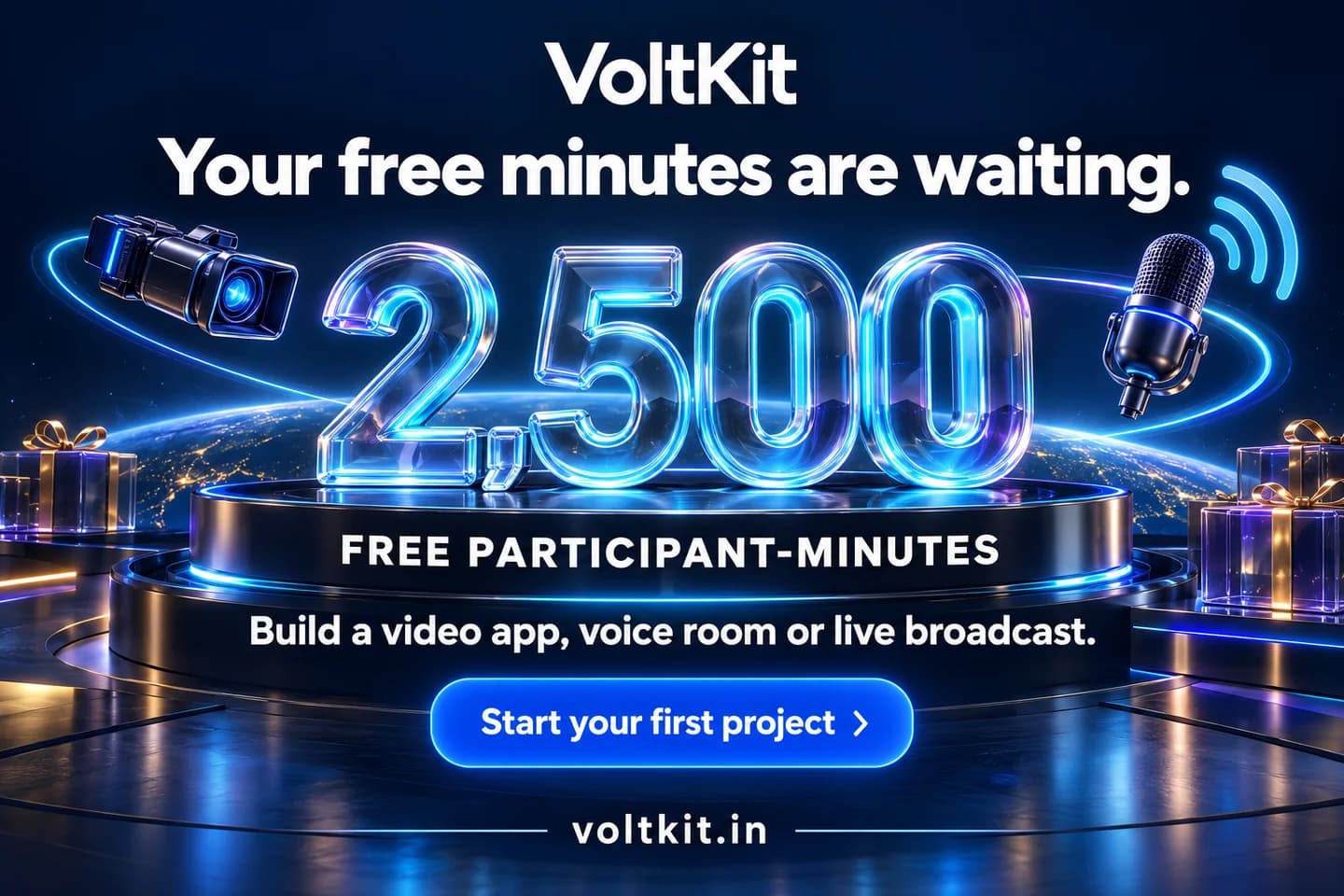
Made for your live moments
Give your broadcast
a little more wow.
Use our free 3D gifts in your live rooms, voice communities and broadcasts. Sign in, claim gifts marked Free, then download the originals and add them to your app’s gift picker or effects.
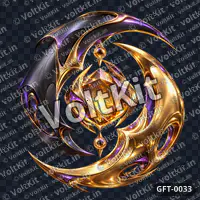 Eclipse Crest with Amber CoreFree · Preview
 Fire and Ice Palace TerraceFree · Preview
 Obsidian Portal Over Lavender CloudsFree · Preview
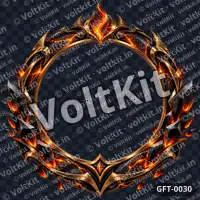 Obsidian Inferno Profile FrameFree · Preview
Free claims follow the gift licence. Premium gifts are sold separately. Add gift rendering in your own app.

Products
Three realtime products and in-app music, on one account
They share an API secret, one wallet and a usage report, and they work together: co-hosts in a room, the public on a broadcast, everyone in the same chat.
Rooms
Live video and voice
Interactive rooms with latency under half a second. Hosts and co-hosts publish camera and microphone; viewers watch, raise a hand and can be brought on stage. Roles and moderation are enforced by the service, not by the app.
- Four roles, checked by the server on every request
- Managed live video and voice for your app
- Reconnects on its own and resumes publishing
Chat
Realtime messaging
Every room has chat built in, and a channel can also exist on its own for an audience that is only watching. Direct messages, history, typing indicators, mute and delete.
Chat guideBroadcast
One creator, a live audience
Bring your audience together for live events, launches and shows. Streams can be public or token-protected.
Broadcast guideIn-app music
Clean audio, its own switch
Play music from inside your app instead of through the microphone, so the audience hears the song clean. Music and microphone have separate switches and volumes, and in a room each viewer can turn the music down without losing the host.
Broadcast music in HD (128 kbps stereo) during live, host and talk sessions — included free; it never changes your rate.
Music guide
How it works
From sign-up to a live room in three steps
Your server holds the secret and decides who may join. Your apps hold nothing but a token that is valid for one room, one person and one role.
Create a project
Sign up and create an RTC project in the console. Its App ID and API secret are downloaded as a file, ready to paste into your server's .env. Your first project starts with 2,500 free participant-minutes.Call the API from your server
Create a room or a stream with your secret, and mint a short-lived token for each user. Your server decides everyone's role.Connect your app
Hand the token to your web or mobile client. It joins, publishes, subscribes and chats; the SDK handles transports and reconnection.
RoomsInteractive video and voice
- Hostsshare camera and voice
- Live room (Go live)connect in real time
- Participants (Join)watch, talk and join in
BroadcastOne publisher, a large audience
- Creatorstart your live event
- Live broadcast (Go live)share the moment
- Audience (Watch)watch from anywhere
Chat runs alongside both: the people in the room and the broadcast audience share one channel.
Developer experience
A few lines on each side
The secret stays on your server and mints tokens. The client SDK turns a token into a live session: tracks, messages, participants, roles, raised hands and reconnects arrive as events.
- Create a room, or get it back if it is already live, in one call
- Publish camera and microphone with one call; in-app music with another
- The same vocabulary in the browser, Flutter and Node SDKs
$ npm install @voltkit-rtc/serverconst { StreamClient } = require('@voltkit-rtc/server');
const rtc = new StreamClient({
baseUrl: process.env.VOLTKIT_RTC_URL,
apiKey: process.env.VOLTKIT_RTC_SECRET, // server only
});
// Your "join" endpoint.
async function joinShow(user) {
// Create the room, or get it back if it is already live.
const room = await rtc.ensureRoom({
roomId: 'show-42',
hostIdentity: 'user-7',
});
// A short-lived token. Your server decides the role.
return rtc.createToken({
roomId: room.roomId,
identity: user.id,
role: 'viewer',
});
}$ npm install @voltkit-rtc/clientimport { StreamClient } from '@voltkit-rtc/client';
// token and wsUrl come from your backend.
const client = new StreamClient(wsUrl, token);
// Wire events before connecting.
client.on('track', ({ identity, kind, track }) => {
attach(identity, kind, track);
});
client.on('message', (message) => append(message));
const joined = await client.connect();
if (joined.role === 'host') {
const media = await navigator.mediaDevices.getUserMedia({
audio: true,
video: true,
});
await client.publish(media);
}$ npm install @voltkit-rtc/client// <audio id="song" src="/song.mp3" crossorigin="anonymous">
const song = document.getElementById('song') as HTMLAudioElement;
// Call it from a click: the song goes out as its own
// track, never through the microphone.
await client.publishMusic(song, { volume: 0.8 });
await song.play();
client.setMusicVolume(0.4); // for the audience
await client.setMusicEnabled(false); // music off, host still talking$ flutter pub add voltkit_rtcimport 'package:voltkit_rtc/voltkit_rtc.dart';
// token and wsUrl come from your backend.
final client = StreamClient(wsUrl: wsUrl, token: token);
// Wire events before connecting.
client.onTrack.listen((t) {
if (t.kind == 'video') renderer.srcObject = t.stream;
});
final join = await client.connect();
if (join.role.canPublish) {
await client.publish(); // camera and mic
}SDKs
Install, import, connect
Three MIT-licensed SDKs today, all with the same vocabulary. Nothing requires them: the REST API is plain HTTPS.
JavaScript (browser)
JavaScript SDK guide$ npm install @voltkit-rtc/clientNode.js (server)
Node.js SDK guide$ npm install @voltkit-rtc/serverFlutter (iOS and Android)
Flutter SDK guide$ flutter pub add voltkit_rtcREST API, any language
Rooms, tokens, chat, broadcast and usage over HTTPS with your API secret. The realtime protocol is documented too.
API referenceNative Android and iOS SDKs
New · in developmentKotlin for Android and Swift for iOS are being written now, for apps that do not use Flutter. They are not published yet; until then the Flutter SDK covers both platforms.
Platform
What comes with every project
Keys for each project
Every project has its own App ID and API secrets. A new secret is shown once and downloaded as a file for your server. VoltKit stores only a hash, and you can rotate it without downtime.Signed webhooks
Your server hears when rooms start and end, people join and leave, and streams go on air, with retries and delivery health.Usage analytics
Minute balances and daily charts for rooms, broadcast and chat, with the same numbers over the API. Usage is recorded in seconds.One prepaid wallet
Recharge one VoltKit Wallet in INR and every project draws from it, at the rate of the media each participant actually uses. Split it across projects by percentage if you like.Isolation by design
Rooms, streams and messages live in your project's namespace. Another customer cannot see them, or even learn that they exist.Errors you can branch on
Every error has a short, stable code that does not change between releases, and the SDKs say whether it is safe to retry.
Usage
One wallet, billed by the media used
One person connected for one minute is one participant-minute. Recharge one VoltKit Wallet in INR, and each participant is billed for the media they actually use, with HD audio included in video. Your first project starts with 2,500 free minutes. Chat is free, and enterprise plans are available.
Voice
Standard Voice
Up to 64 kbps
39 credits
per 1,000 participant-minutes
0.039 credits per participant-minute · ₹39 per 1,000 participant-minutes
HD Voice
Up to 128 kbps
49 credits
per 1,000 participant-minutes
0.049 credits per participant-minute · ₹49 per 1,000 participant-minutes
Full HD Video + HD Audio
HD audio includedUp to 1080p/30, HD audio included
99 credits
per 1,000 participant-minutes
HD audio included in video — no separate audio charge.
Video with HD audio is 99 credits per 1,000 participant-minutes in total, never 99 + 49. A participant is billed one rate at a time: the highest media they actually send or receive.
0.099 credits per participant-minute · ₹99 per 1,000 participant-minutes
Optional 60 fps upgrades
The premium is added to the video rate; at 30 fps the video rate applies. Totals include HD audio.
| Mode | Premium | Total | Per participant-minute |
|---|---|---|---|
| Up to 1080p/30 | 0 | 99 | 0.099 |
| 480p/60 | +10 | 109 | 0.109 |
| 720p/60 | +25 | 124 | 0.124 |
| 1080p/60 | +50 | 149 | 0.149 |
Charged only while 60 fps is actually delivered. It needs a 60 fps camera or source.
Prices are in VoltKit Credits. New recharges: ₹1 = 1.0000 credits, so video with HD audio costs ₹99 per 1,000 participant-minutes at today's conversion. Price list version 1.
Prices are in credits per 1,000 participant-minutes. One participant connected for one minute = one participant-minute.
- Rates measured per participant-minute.
- HD audio included with video.
- Actual media mode determines applicable rate.
- Enabling services does not itself generate metered charges.
- Quality depends on supported device, codec, and network.
- Billing uses authenticated server-side measurements.
- Wallet offers and conversion are displayed before payment.
- Taxes, where applicable, are shown separately or clearly included.
- Premium frame rates depend on availability and compatibility.
2,500 free minutes — every RTC feature at full quality
- 1080p video
- 60 fps
- HD audio
- HD music
Up to 25 people per room during the trial. One lifetime trial per account, on your first project. Trial minutes count one per participant-minute at any quality, so you test everything exactly as it will run.
VoltKit RTC questions
What can I build with VoltKit RTC?
Video and voice calls, live shows with co-hosts and an audience, audio rooms, live shopping, online classes and large broadcast streams, each with realtime chat alongside.
Do I need to run my own media servers?
No. VoltKit manages the service for you. Call the API from your backend and connect your apps with the SDKs.
How is it priced?
By participant-minute, in VoltKit Credits from one prepaid wallet; rates are in credits per 1,000 participant-minutes, and one person connected for one minute is one participant-minute. Each participant is billed one rate at a time, for the media actually used: standard voice, HD voice, or Full HD video with HD audio included (never video plus audio), with optional 60 fps upgrades. Turning a mode on costs nothing by itself. Your first project starts with 2,500 free minutes, once per account, and chat is free. Current rates are on the pricing page.
Can my projects share the wallet?
Yes. By default the whole wallet serves every project. You can also give projects, or products, a percentage share: a project spends its own share first, then the RTC share, then whatever is unallocated, and never another project's share. Your free and previously bought minutes stay on your account and are always used first; your wallet credits are used after them.
What is the difference between a room and a broadcast?
A room is an interactive conversation where participants can speak. A broadcast is a live event with one creator and an audience. One event can use both, with chat available alongside.
Which platforms are supported?
There are client SDKs for the browser and for Flutter on iOS and Android, and a server SDK for Node.js. Native Android (Kotlin) and iOS (Swift) SDKs are being written and are not published yet. The REST API works from any language, and the realtime protocol is documented for other platforms.
Can I use it without an SDK?
Yes. The REST API is plain HTTPS with your API secret, so any language works, and the realtime protocol is documented in the API reference. The SDKs save you from handling transports and reconnection yourself.
Is my API secret safe?
Your secret is shown once when it is created, and your browser downloads it as a text file for your server. VoltKit stores only a hash, so it cannot be read back by anyone, including us. Move it into your server's environment or secret manager and delete the file. It is used from your server; your apps only ever receive short-lived tokens that your server mints.
What happens if my wallet runs out?
New rooms, tokens and broadcasts are refused, and anything already live is warned and then ended after a short grace period, unless the wallet is recharged in that time. Set low-balance alerts to be told early; your app is told before a session ends, too.
Start with a free project
Create a free account, make an RTC project and follow the quickstart to put two people in a live room. Each account gets one lifetime trial of 2,500 participant-minutes, on its first project.
3D gifts for your live app
Explore 3D gift artwork for live-stream celebrations, audio-room reactions and voice chat apps. Each gift page lists its format: a still gift icon (PNG, JPG or WebP) or an animation (SVGA or animated WebP). Browse watermarked previews and choose assets for your own gift events and player. Gift licences are purchased separately from RTC usage.
More from VoltKit
- SVGA MakerTurn a short video or GIF into an .svga animation with a transparent background.About SVGA Maker
- Developer docsQuickstart, guides for rooms, chat, broadcast and music, the SDKs and the API reference.Read the docs
- Free tools85 browser tools for images, PDFs, JSON, text and network checks. No account needed.Browse the tools