
SVGA gifts
SVGA gifts and effects with sound for live apps
SVGA is the animation format many live-streaming and voice chat apps use for gifts, entry effects and badges. Its frames keep a full alpha channel, so a gift sits cleanly over the video, and SVGA 2.0 files can carry their own sound. SVGA gifts in the store play as watermarked previews with their sound: press play on a card below or on the gift's own page, then buy one, or claim it if it is marked Free, to download the original SVGA.
Public previews · Prices after sign-in · Originals after purchase or free claim
SVGA gifts in the store
Watermarked previews that play with their sound. Sign in to see prices; gifts marked Free can be claimed.
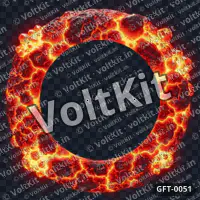
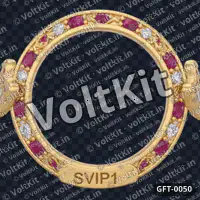
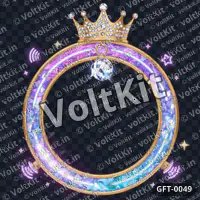
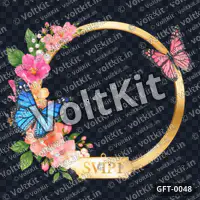
Effects that light up a live room
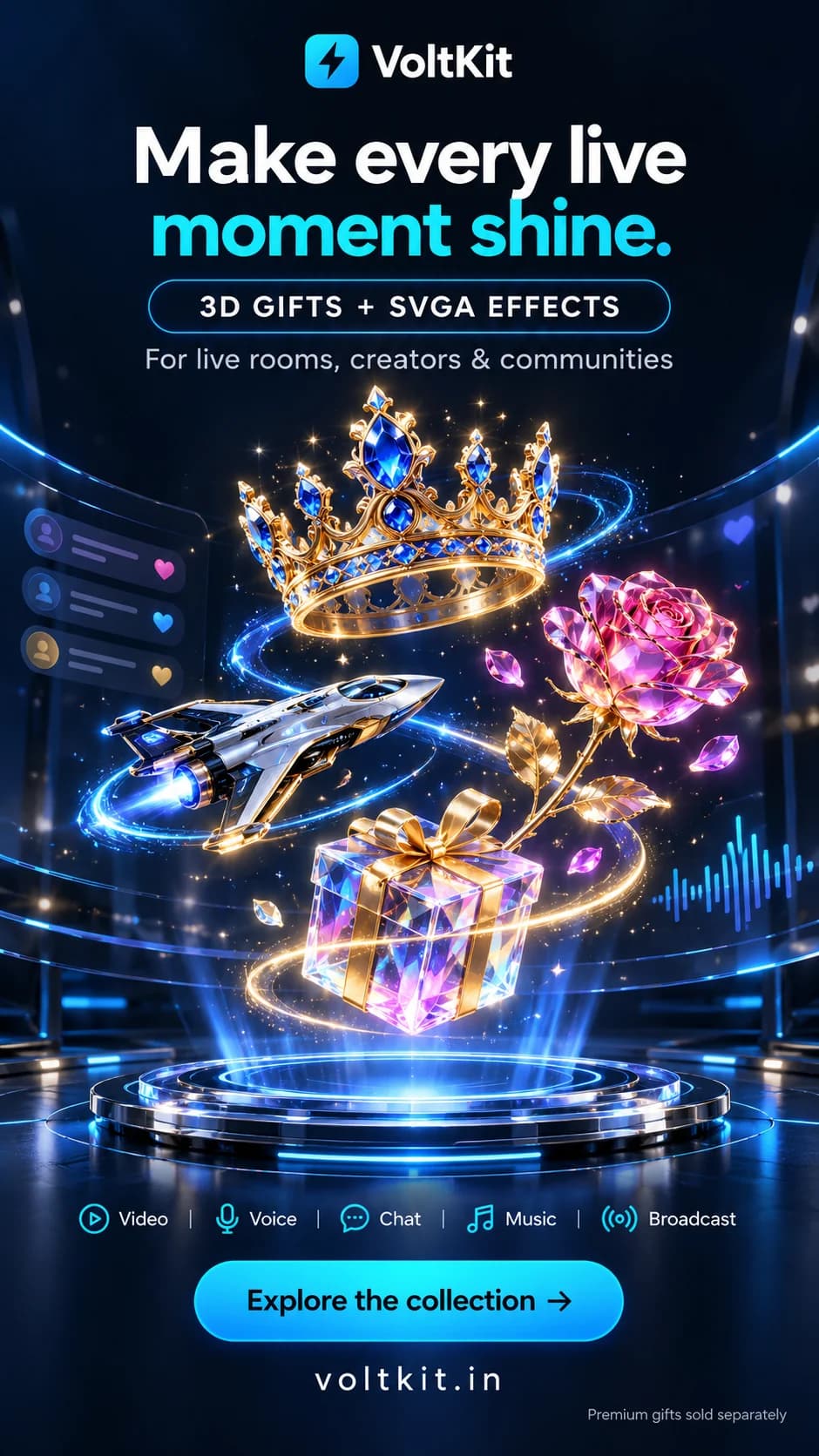
What an SVGA file holds
An SVGA file stores an animation as pictures with their timing, played by an SVGA player library on top of whatever is on screen. SVGA 2.x files are binary ProtoBuf compressed with zlib; the older 1.x files were JSON inside a zip. A 2.0 file can include MP3 sound with the frames where it starts and stops.
- Full alpha: glows and soft edges blend over video and interface.
- Sound in step with the picture, when the file has it.
- Open-source players exist for the web, Android, iOS and Flutter.
Play it before you buy
Open an SVGA gift's page and press play: the watermarked preview plays with its sound over transparency, a colour or a picture of your own, so you can judge motion, timing and edges. For a file you already have, the free SVGA Player does the same in your browser and shows its size, frame rate, length, sound tracks and layers. Nothing is uploaded.
- Use the Phone 9:16 frame and a screenshot of your app as the background.
- Check the sound with the device unmuted; a browser may wait for a tap before it plays audio.
- The SVGA Player does not draw matte layers, so check files that rely on them in your app.
Play it in your app
Your app plays SVGA with a player library on each platform it ships on, and decides when: a gift your server accepted, a VIP arriving, a level-up. VoltKit RTC carries the room's video, voice and chat; it has no built-in gift player, so the animation is your app's layer on top.
- Queue animations and play one big effect at a time.
- Keep files small for phones: fewer and smaller frames load and decode faster.
- Check your player's notes for each platform: players differ in features such as sound and matte layers.
- Test the original file on every platform you support, not only the preview.
Make your own SVGA
SVGA Maker turns a short video or GIF into an SVGA 2.0 file with a transparent background: it removes a black, white, green or blue background, or detects a plain background of another colour, or keeps the clip's own transparency. It is free: sign in to convert, within daily and monthly limits.
- Inputs: MP4, MOV, WebM, MKV, AVI or GIF.
- 12 to 30 fps and 240 to 640 px wide, with square, portrait or wide crops.
- Its frames are flattened pictures: a slot for a user's name or avatar needs a layered export from an animation tool.
The licence in short
- Use it as you like in your own apps and business: as free gifts, paid gifts or anything else, for any number of users.
- No reselling or sharing the file itself, alone or in a pack.
- Non-exclusive: others may buy the same gift.
Previews on this site are watermarked and lower quality. The original you download from Console → My gifts after buying or claiming is full quality, with no watermark.
Read the full licenceGift questions
What is an SVGA gift?
An animated gift in the SVGA format: pictures with their timing and a full alpha channel, played by an SVGA player in your app. SVGA 2.0 files can also carry sound. Each VoltKit gift page names its format.
How do I play an SVGA file?
In a browser, drop an SVGA 2.0 file (up to 60 MB) on VoltKit's free SVGA Player: it plays with its sound and nothing is uploaded. Export an older 1.x file again as SVGA 2.0 first. In your app, use an SVGA player library for the web, Android, iOS or Flutter.
Do SVGA gifts have sound?
Many do: an SVGA 2.0 file can carry an MP3 that starts and stops on given frames. An SVGA gift's watermarked preview plays with its sound on its page in the store, and the SVGA Player says when a file has none.
Can I convert SVGA to MP4, GIF or WebP on VoltKit?
Not today. SVGA Maker converts the other way, from a video or a GIF to SVGA. Keep the source video of an animation if you also need it as MP4 or GIF.
Do SVGA gifts work in Flutter, Android and iOS apps?
Yes, with a player your app includes: open-source SVGA players exist for each, such as flutter_svga for Flutter. Test the original on every platform, because players differ in features such as matte layers and sound.
Can I sell SVGA gifts to my users inside my app?
Yes. The licence lets you use a gift you buy or claim as you like in your own apps and business, including as a paid item or a reward, for any number of users. You may not resell or share the file itself.
Build with 3D gifts
From choosing artwork to planning a live-room experience.
RTC with 3D gifts →
Plan gift overlays for live video, voice rooms and social experiences.
Animated gifts & formats →
Compare SVGA, animated WebP and still artwork for your app.
Custom 3D gift enquiries →
Share a brand, character or celebration brief with VoltKit.
Gift bundles →
Themed packs: one order for a whole bundle, or only the gifts you pick.
What are 3D virtual gifts? →
Understand the artwork, the app experience and the licence.
Build an RTC gift experience →
A practical integration checklist for your app team.
Meet VoltKit Gifts →
Preview the collection and see how buying and downloads work.
Design gift moments for live rooms →
Placement, motion, queues and accessible alternatives in live streams and audio rooms.
SVGA vs animated WebP vs PNG →
Choose a gift format by player, motion and mobile testing.
Gift animations on Android, iOS and Flutter →
Test memory, queues and still fallbacks during a live call.
Write a custom 3D gift brief →
What to include so a custom gift enquiry can be assessed quickly.
What are entry effects? →
Arrival animations in live rooms: who gets one, why SVGA plays them and how to avoid replays.
Animated profile frames: formats →
SVGA, animated WebP, APNG or Lottie for avatar frames, with sizes and VIP tiers.
Plan VIP and SVIP items →
What each tier shows, where the tier lives, and testing frames, badges and entry effects.
Building the room these play in? VoltKit RTC carries the video, voice and chat of live rooms and voice chat rooms; your app plays the artwork on top.
Questions about 3D gifts? Talk to us
Choosing gifts for your app, licensing, downloads or a custom design: message us on WhatsApp for the quickest reply, call, or email.